# ComfyUI-MX-post-processing-nodes
A collection of post processing nodes for [ComfyUI](https://github.com/comfyanonymous/ComfyUI),which adds image post-processing adjustment capabilities to the ComfyUI.
## Example Image and Workflow
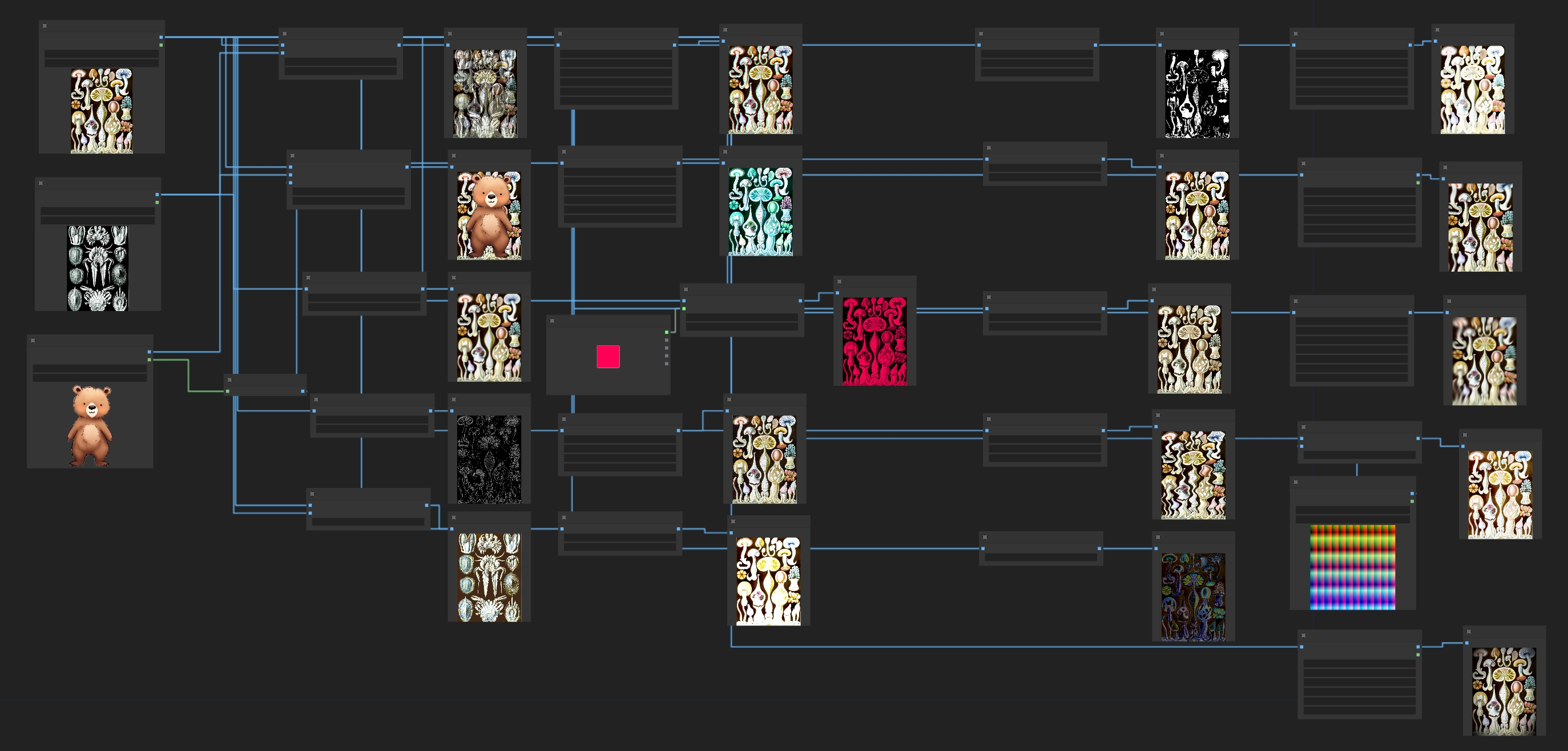
---
$\Large\color{#00A7B5}\text{Expand Node List}$
- MX_Blend: Blends two images using arithmetic operations like add,multiply, overlay, darken,lighten.......
- MX_AlphaBlend: Blends two images alpha mask
- MX_Blur: Applies a Gaussian blur to the input image, softening the details
- MX_Canny: Creates a mask using canny edge detection
- MX_Color:Matchs color from another image
- MX_Chromatic Aberration: Shifts the color channels in an image, creating a glitch aesthetic
- MX_ColorCorrect: Adjusts the color balance, temperature, hue, brightness, contrast, saturation, and gamma of an image
- MX_ColorTint: Applies a customizable tint to the input image, with various color modes such as sepia, RGB, CMY and several composite colors
- MX_Noise:Adds noise to image
- MX_Glow: Applies a blur with a specified radius and then blends it with the original image. Creates a nice glowing effect.
- MX_HSVThresholdMask: Creates a mask by thresholding HSV (hue, saturation, and value) channels
- MX_KuwaharaBlur(Cartoon):Applies an edge preserving blur, creating a more realistic blur than Gaussian.
- MX_Pixelize: Applies a pixelization effect, simulating the reducing of resolution
- MX_Posterize: Set and dither the amount of colors in an image from 0-256, reducing color information
- MX_Sharpen: Enhances the details in an image by applying a sharpening filter
- MX_SineWave: Runs a sine wave through the image, making it appear squiggly
- MX_Solarize: Inverts image colors based on a threshold for a striking, high-contrast effect
- MX_LensBokeh: LensBokeh effect
- MX_LensOpticAxis: LensOpticAxis effect
- MX_LensZoomBurst: LensZoomBurst effect
- MX_LUT: Adds LUT to image
- MX_Vignette: Applies a vignette effect, putting the corners of the image in shadow
---
## Install
To install these nodes
- Navigate to your `/ComfyUI/custom_nodes/` folder
- Run `git clone https://github.com/Intersection98/ComfyUI_MX_post_processing-nodes`
- pip install -r requirements.txt
## Reference
https://github.com/EllangoK/ComfyUI-post-processing-nodes/
https://github.com/digitaljohn/comfyui-propost
https://github.com/shadowcz007/comfyui-mixlab-nodes