
3.3 KiB
AnyNode v0.1 (🍄 beta)
A ComfyUI Node that uses the power of LLMs to do anything with your input to make any type of output.
Install
- Clone this repository into
comfy/custom_nodes(sorry, not on Manager just yet!) - Make sure you have the
openaimodule installed through pip:pip install openai - Add your
OPENAI_API_KEYvariable to your Environment Variables. How to get your OpenAI API key - Restart Comfy
- In ComfyUI double-click and search for
AnyNodeor you can find it in Nodes > utils
How it Works
- Put in what you want the node to do with the input and output.
- Connect it up to anything on both sides
- Hit
Queue Promptin ComfyUI
AnyNode codes a python function based on your request and whatever input you connect to it to generate the output you requested which you can then connect to compatible nodes.
Warning: Because of the ability to link ANY node, you have to make sure it nails the output.
Caveats
- I have no idea how far you can take this nor it's limits
- LLMs can't read your mind. To make complex stuff in one node you'd have to know a bit about programming
- Right now you can only see code the LLM generates in the console
- You currently need an OpenAI API Key
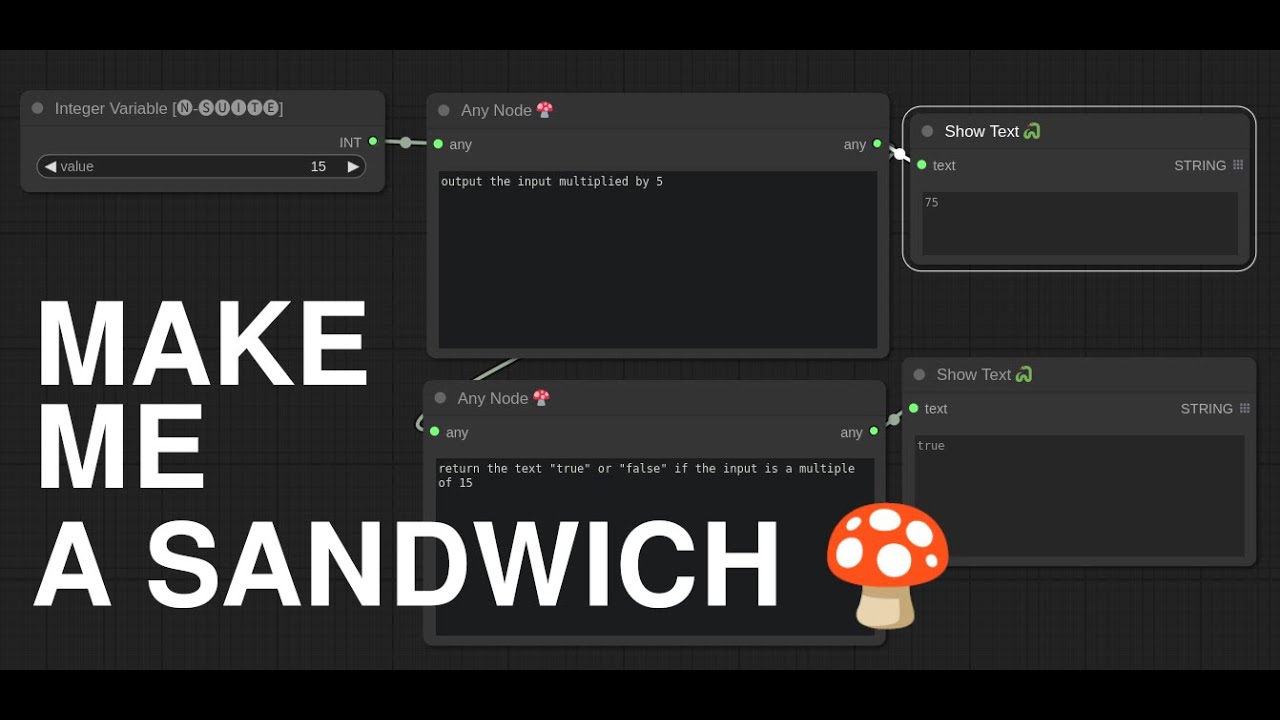
- Can't make a sandwich
Strengths
- You can use as many of these as you want in your workflow creating possibly complex node groups
- Really great at single purpose nodes
- Uses OpenAI API for simple access to the latest and greatest in generation models
- Technically you could point this at vLLM or Ollama for you LocalLLM fans
- Can use most of the popular python libraries and most standard like (numpy, torch, collections, re)
- Ability to make more complex nodes that use inputs like MODEL, VAE and CLIP with input type awareness
- Error Mitigation: Auto-correct errors it made in code (just press
Queue Promptagain) - Incremental Code editing (the last generated function serves as example for next generation)
Coming Soon
- Saving the generated functions in your workflows
- Multiple Inputs and outputs
- Use Local LLMs like vLLM and Ollama (any that support openai chat completions)
If you're still here
Let's enjoy some stuff I made while up all night!
This one, well... the prompts explain it all, but TLDR; It takes an image as input and outputs only the red channel of that image.
Here I use three AnyNodes: One to load a file, one to summarize the text in that file, and the other to just do some parsing of that text. No coding needed.
I took that Ant example a bit further and added in the normal nodes to do img2img with my color transforms from AnyNode