google-labs-jules[bot]
416090376e
google-labs-jules[bot]
416090376e
- Add `escapeHtml` utility to `src/shared/utils.ts`
- Sanitize rendered values in `src/info-panel/ValueFormatter.ts`
- Sanitize node titles, types, and labels in `src/info-panel/UIManager.ts`
- Add unit tests verifying XSS prevention in `tests/unit/Security.test.ts`
ComfyUI-MagnifyGlass









A powerful, customizable magnifying glass extension for ComfyUI.
Inspect fine details in your generated images, node connections, and canvas with ease.
Features • Installation • Usage • Configuration • Known Issues • Contributing • Changelog
🚀 What's New in v1.10.0 (January 6, 2026)
Inspector Power-Ups & Settings Overhaul
- 📊 Popout Viewer Pro:
- Visual Charts: Render images/charts directly in the popout.
- Window Controls: Fullscreen, Fit-to-Window, and "Keep Alive" modes.
- Remote Control: Select and focus nodes on the main canvas from the popout window.
- 🧭 Advanced Navigation:
- Sortable Lists: Find nodes by Execution Order or ID.
- Focus Target: One-click zoom to any inspected node.
- 📋 Copy Everything: Added one-click copy buttons to all text fields.
📄 See CHANGELOG.md for the complete version history.
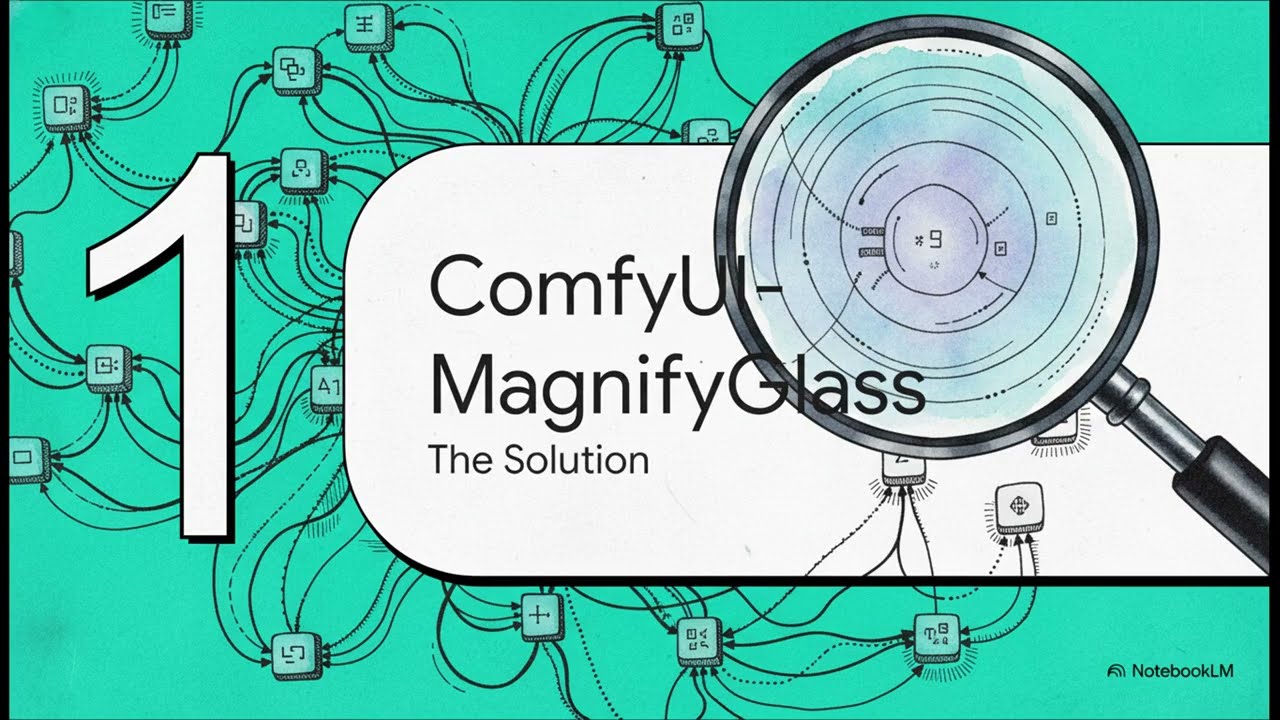
NotebookLM Overview: Exploring the features and updates of the ComfyUI-MagnifyGlass extension.
✨ Features
🔍 Magnifying Glass
|
ℹ️ Inspector Panel
|
⚙️ Sidebar Integration
|
🖥️ Multi-Monitor Pop-Out
|
♿ Accessibility Suite
|





📦 Installation
Option 1: ComfyUI Manager (Recommended)
- Open ComfyUI Manager.
- Search for
ComfyUI-MagnifyGlass. - Click Install.
Option 2: Manual Install
cd /path/to/ComfyUI/custom_nodes
git clone https://github.com/AEmotionStudio/ComfyUI-MagnifyGlass.git
🎮 Usage
| Key | Action |
|---|---|
X |
Activate / Toggle Tool (Master Switch) |
H |
Toggle Follow Cursor Mode |
I |
Toggle Inspector Panel Visibility |
G |
Toggle Glass Preview (Enters "Inspector Only" Mode) |
Shift+P |
Open Pop-Out Viewer in New Tab |
U |
Pin/Unpin Inspector Panel |
O |
Reset Offsets |
D |
Force Direct Capture (accurate cursor at low zoom) |
| Arrows | Nudge Glass Position |
Pro Tip: Toggle the Glass Preview (
G) off to keep the Inspector Panel active but hide the magnifying preview.
⚙️ Configuration
Access settings via the new Sidebar Panel or the ComfyUI Settings (⚙️) menu.
🔍 Magnify Glass
| Setting | Default | Description |
|---|---|---|
| Zoom Factor | 300 |
Magnification level (300 = 3x). |
| Glass Size | 300px |
Diameter of the lens. |
| Shape | Rounded |
Circle, Square, or Rounded Square. |
| Activation Key | X |
Hotkey to toggle the tool. |
ℹ️ Information Panel
| Setting | Default | Description |
|---|---|---|
| Theme | Auto |
Syncs with ComfyUI theme automatically. |
| Opacity | 100% |
Transparency of the panel background. |
| Show Hover Controls | On |
Displays the quick-action toolbar on the panel. |
| Controls Position | Top |
Position of hover controls (Top/Bottom). |
🐛 Known Issues
- Virtual Zoom Cursor Alignment: When using "Virtual Zoom" (canvas zoom < 100%), the mini cursor preview in the glass may not perfectly align with the actual content due to a fundamental drift in the coordinate capture system. Workaround: Press
Dto toggle Direct Capture mode for accurate cursor alignment (at the cost of lower magnification quality). - Inflated FPS Counter: You may notice the ComfyUI FPS counter displaying extremely high numbers (e.g., 1000+ FPS) while the glass is active. This is a False Reading caused by the extension's internal render loop triggering the counter hooks multiple times per frame to ensure smooth glass updates. It does not indicate excessive GPU load or actual frame rate.
🤝 Contributing
Contributions are welcome! Please see the CONTRIBUTING.md for guidelines on how to get started. Whether it's bug reports, feature suggestions, or pull requests, your help is appreciated.
- Fork the Project
- Create your Feature Branch (
git checkout -b feature/AmazingFeature) - Commit your Changes (
git commit -m 'Add some AmazingFeature') - Push to the Branch (
git push origin feature/AmazingFeature) - Open a Pull Request
📝 License
This project is licensed under the GPL-3.0 License - see the LICENSE file for details.
Developed by Æmotion Studio



📺 STOP SQUINTING!
Are YOU tired of tiny nodes? Do messy workflows make you want to SCREAM? 😱 Get ComfyUI-MagnifyGlass TODAY! It ZOOMS! It INSPECTS! It POPS OUT! ⚡️🔍