
ComfyUI pi-Flow Nodes for Fast Few-Step Sampling
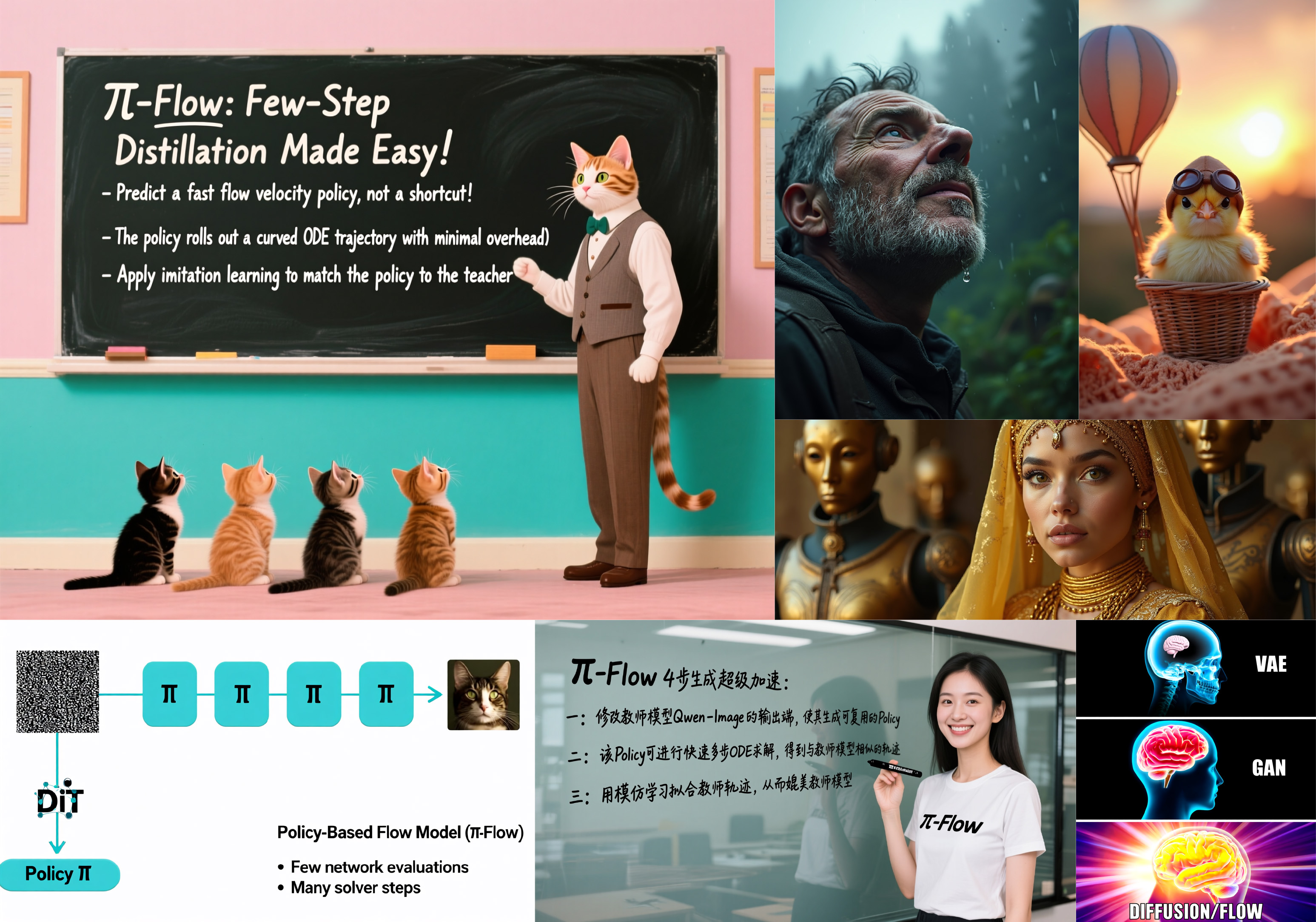
ComfyUI-piFlow is a collection of custom nodes for ComfyUI that implement the pi-Flow few-step sampling workflow. All images in the above example were generated using pi-Flow with only 4 sampling steps.
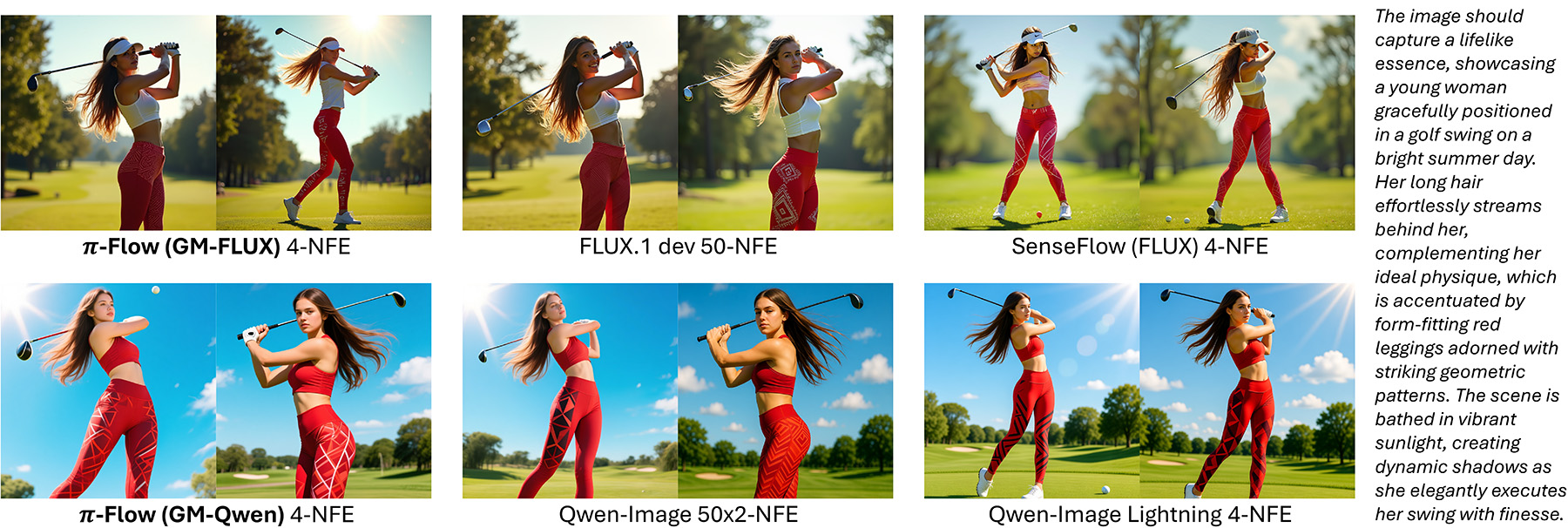
pi-Flow is a novel method for flow-based few-step generation. It achieves both high quality and diversity in generated images with as few as 4 sampling steps. Notably, pi-Flow’s results generally align with the base model’s outputs and exhibit significantly higher diversity than those from DMD models (e.g., Qwen-Image Lightning), as shown below.
Installation
This repo requires ComfyUI version 0.3.67 or higher. Make sure your ComfyUI is up to date before installing.
ComfyUI Manager
If you are using ComfyUI Manager, you can load a workflow first, and then install the missing nodes via ComfyUI Manager.
Manual Installation
For manual installation, simply clone this repo into your ComfyUI custom_nodes directory.
# run the following command in your ComfyUI `custom_nodes` directory
git clone https://github.com/Lakonik/ComfyUI-piFlow
Workflows
This repo provides text-to-image workflows based on FLUX.1 dev and Qwen-Image.
pi-Qwen-Image
Please download the image below and drag it into ComfyUI to load the pi-Qwen-Image workflow.

pi-Flux
Please download the image below and drag it into ComfyUI to load the pi-Flux workflow.

Training Your Own pi-Flow Models
Please visit the official piFlow repo for more information on training.