
48 lines
2.0 KiB
Markdown
48 lines
2.0 KiB
Markdown
## HDR Effects (SuperBeasts.AI)
|
|
|
|
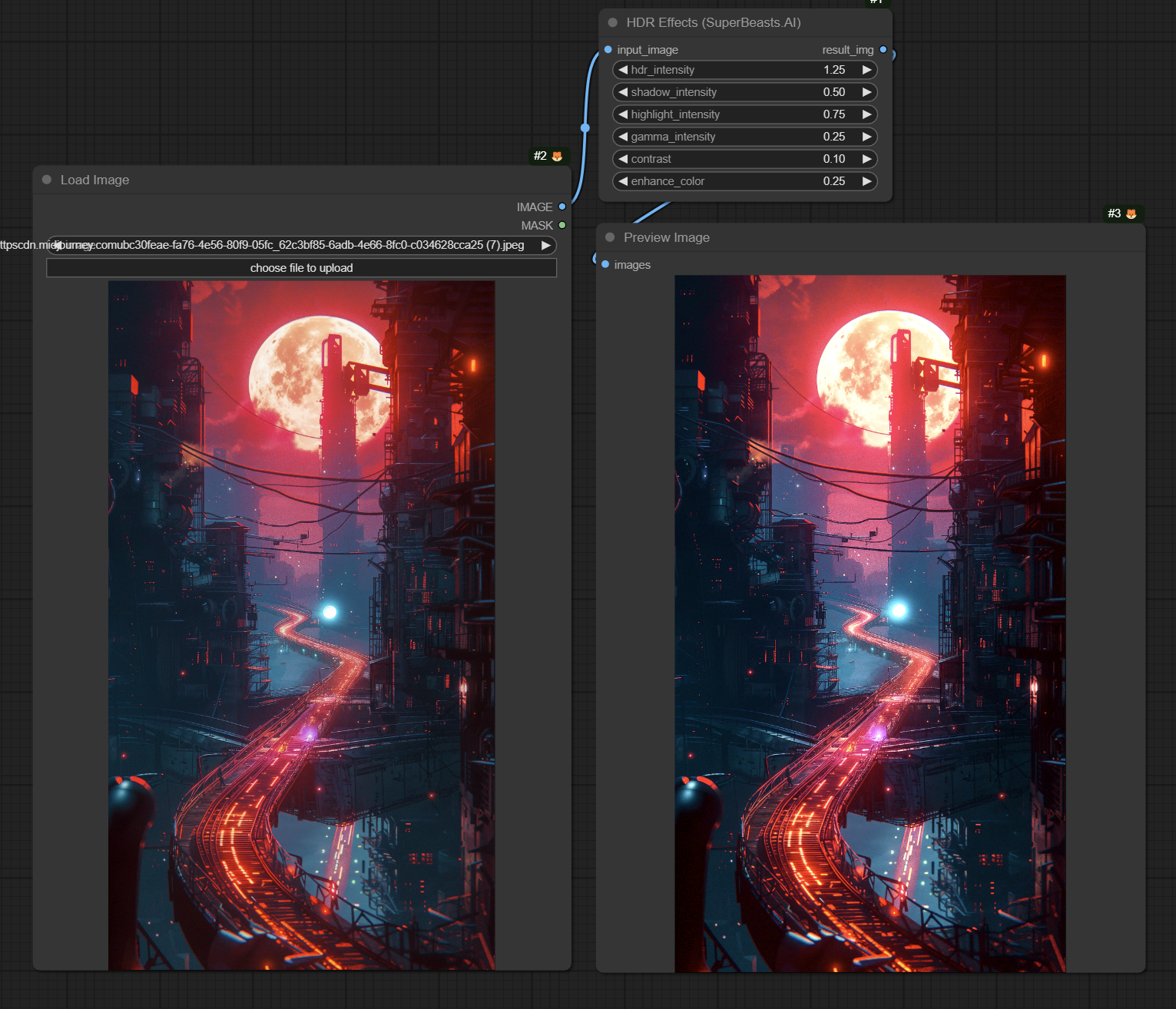
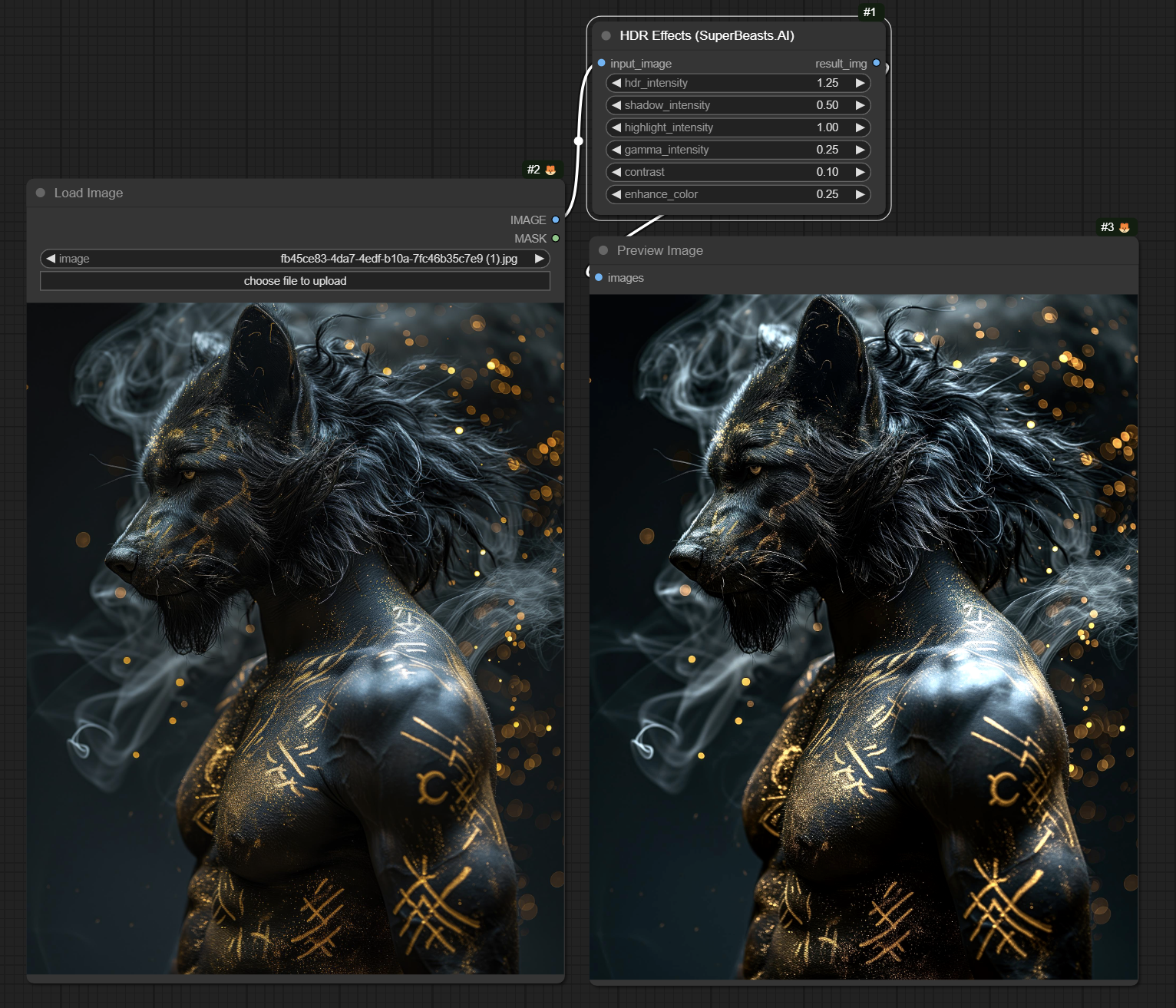
The HDR Effects is an image processing application that enhances the dynamic range and visual appeal of input images. It provides a set of adjustable parameters to fine-tune the HDR effect according to user preferences.
|
|
|
|
### Features
|
|
|
|
- Adjusts the intensity of shadows, highlights, and overall HDR effect
|
|
- Applies gamma correction to control the overall brightness and contrast
|
|
- Enhances contrast and color saturation for more vibrant results
|
|
- Preserves color accuracy by processing the image in the LAB color space
|
|
- Utilizes luminance-based masks for targeted adjustments
|
|
- Blends the adjusted luminance with the original luminance for a balanced effect
|
|
|
|
## Examples
|
|
|
|
|
|
|
|
|
|
|
|
|
|
|
|
### Parameter details
|
|
|
|
The application provides the following adjustable parameters:
|
|
|
|
- `hdr_intensity` (default: 0.5, range: 0.0 to 5.0, step: 0.01):
|
|
- Controls the overall intensity of the HDR effect
|
|
- Higher values result in a more pronounced HDR effect
|
|
|
|
- `shadow_intensity` (default: 0.25, range: 0.0 to 1.0, step: 0.01):
|
|
- Adjusts the intensity of shadows in the image
|
|
- Higher values darken the shadows and increase contrast
|
|
|
|
- `highlight_intensity` (default: 0.75, range: 0.0 to 1.0, step: 0.01):
|
|
- Adjusts the intensity of highlights in the image
|
|
- Higher values brighten the highlights and increase contrast
|
|
|
|
- `gamma_intensity` (default: 0.25, range: 0.0 to 1.0, step: 0.01):
|
|
- Controls the gamma correction applied to the image
|
|
- Higher values increase the overall brightness and contrast
|
|
|
|
- `contrast` (default: 0.1, range: 0.0 to 1.0, step: 0.01):
|
|
- Enhances the contrast of the image
|
|
- Higher values result in more pronounced contrast
|
|
|
|
- `enhance_color` (default: 0.25, range: 0.0 to 1.0, step: 0.01):
|
|
- Enhances the color saturation of the image
|
|
- Higher values result in more vibrant colors |