
56 lines
2.9 KiB
Markdown
56 lines
2.9 KiB
Markdown
# ComfyUI-Creative-Interpolation (Beta)
|
|
|
|
This a ComfyUI node for batch creative interpolation. The goal is to allow you to input a batch of images, and to provide a range of simple settings to control how the images are interpolated between.
|
|
|
|
## Installation
|
|
|
|
1. If you haven't already, download [ComfyUI](https://github.com/comfyanonymous/ComfyUI) and [Comfy Manager](https://github.com/ltdrdata/ComfyUI-Manager).
|
|
1. go to your custom_nodes folder and run: git clone https://github.com/peteromallet/ComfyUI-Creative-Interpolation.git
|
|
2. Download Controlnet tile from Comfy Manager: control_v11f1e_sd15_tile_fp16.safetensors
|
|
|
|
## Usage
|
|
|
|
Here's a workflow to get started with: https://banodoco.s3.amazonaws.com/creative_interpolation_example.json
|
|
|
|
You'll need to drop the input images into the 'creative_interpolation_input' folder.
|
|
|
|
The main settings are:
|
|
|
|
- frames_per_key_frame: How many frames to generate between each main key frame you provide.
|
|
- length_of_key_frame_influence: How many frames to apply the ControlNet for after each key frame - the larger the number, the the wider range the input images will influence.
|
|
- cn_strength: How strong the control of the ControlNet should overall.
|
|
|
|
The **batch_size should be equal to the frames_per_key_frame * number_of_key_frames + 4** - the additional 4 is to accommodate for buffer frames that improve consistency.
|
|
|
|
Also, **there's currently a bug where it needs to be restarted after each batch**. This will be fixed soon.
|
|
|
|
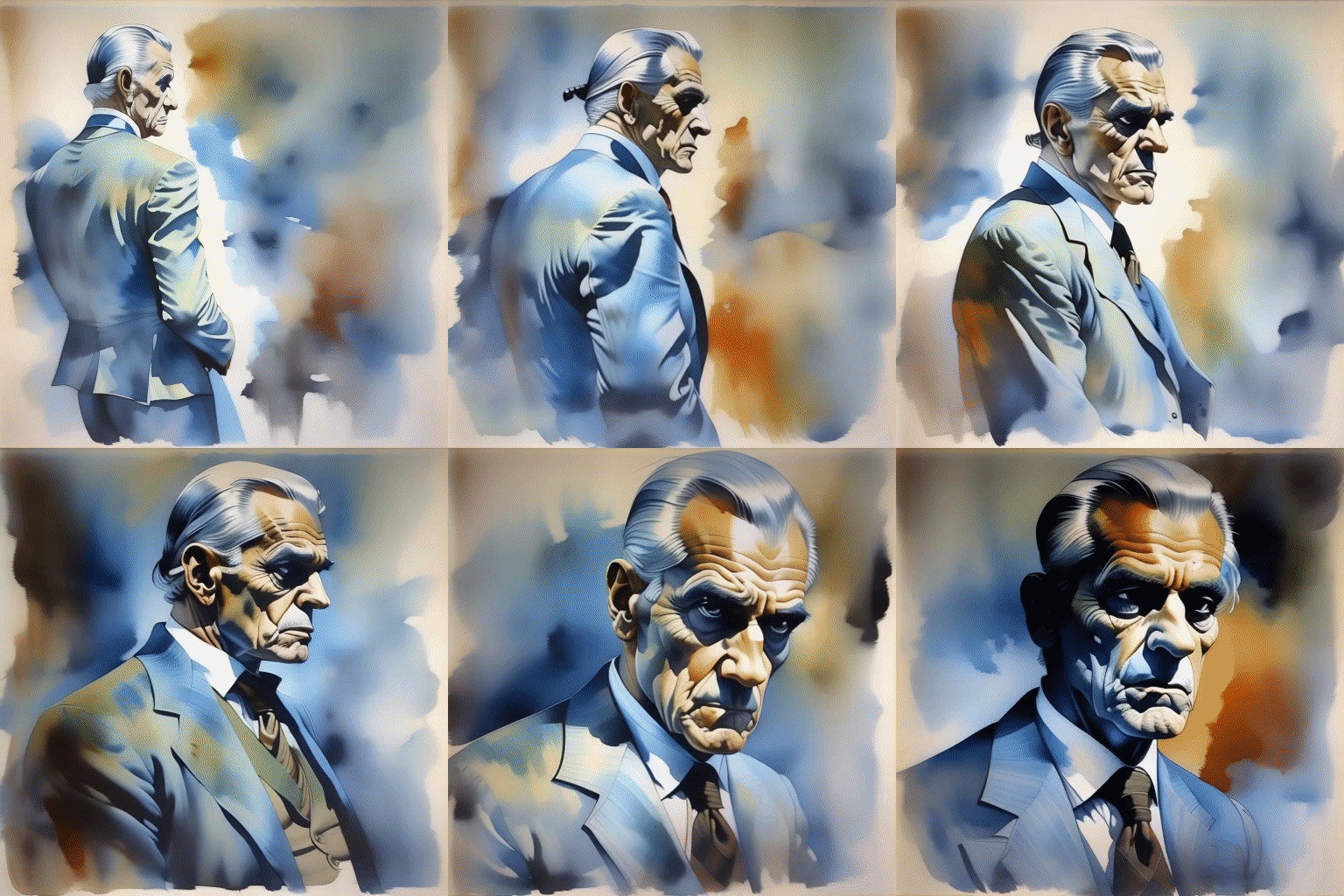
As an example, here's a batch of input images:
|
|
|
|

|
|
|
|
And here's what it looks like when the length_of_key_frame_influence is set to 1.1:
|
|
|
|
https://github.com/Fannovel16/ComfyUI-Frame-Interpolation
|
|
|
|
While here's while that looks like at 0.8:
|
|
|
|
|
|
|
|
These settings can be so powerful I believe - please share what works for you and your results!
|
|
|
|
## Coming Soon
|
|
|
|
- Fix restarting bug
|
|
- Clean up code
|
|
- Simplify settings
|
|
- Nuanced settings for each key frame
|
|
- Improvements to structure and consistency
|
|
- Better control over style
|
|
|
|
## Want to give feedback, share creations, or join our community?
|
|
|
|
You can drop into our Discord here: https://discord.com/invite/8Wx9dFu5tP
|
|
|
|
## Credits
|
|
|
|
This code draws heavily from [Kosinkadink's ComfyUI-Advanced-ControlNet](https://github.com/Kosinkadink/ComfyUI-Advanced-ControlNet), while the workflows uses [Kosinkadink's Animatediff Evolved](https://github.com/Kosinkadink/ComfyUI-AnimateDiff-Evolved), Cubiq's [IPAdapter_plus](https://github.com/cubiq/ComfyUI_IPAdapter_plus), Fizzledorf's [Fizznodes](https://github.com/FizzleDorf/ComfyUI_FizzNodes), Fannovel16's [Frame Interpolation](https://github.com/Fannovel16/ComfyUI-Frame-Interpolation) and more. Thanks to all and of course the Animatediff team, Controlnet, others, and of course our supportive community! |