
AnyNode v0.1 (🍄 beta)
A ComfyUI Node that uses the power of LLMs to do anything with your input to make any type of output.
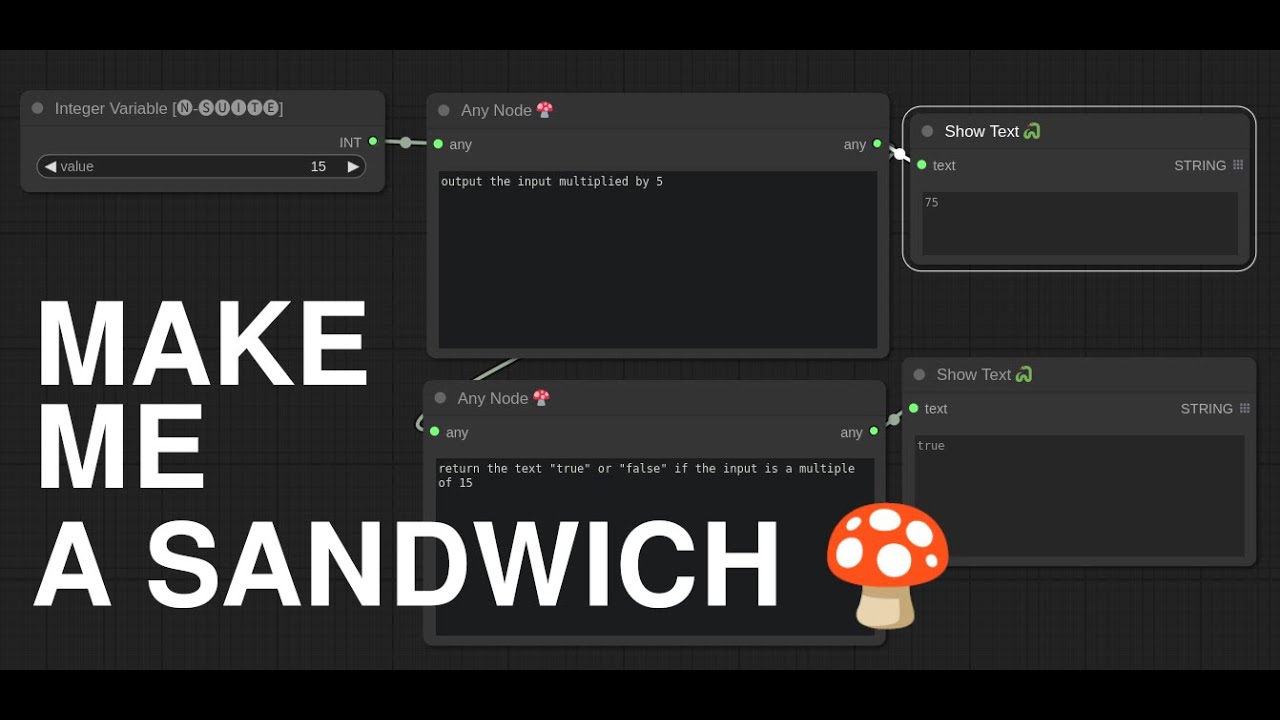
📺 More Tutorials on AnyNode at YouTube
Update: Day 3 - Local LLMs Generating Nodes!
We now have an
AnyNode 🍄 (Gemini) Node and our big star: The AnyNode 🍄 (Local LLM) Node.
This was the most requested feature since Day 1. The classic AnyNode 🍄 will still use OpenAI directly.
- You can set each LocalLLM node to use a different local or hosted service as long as it's OpenAI compatible
- This means you can use Ollama, vLLM and any other LocalLLM server from wherever you want
Install: Update (We just got on ComfyUI Manager!)
- Clone this repository into
comfy/custom_nodesor Just search forAnyNodeon ComfyUI Manager - If you're using openAI API, follow the OpenAI instructions
- If you're using Gemini, follow the Gemini Instructions
- If you're using LocalLLMs API, make sure your LLM server (ollama, etc.) is running
- Restart Comfy
- In ComfyUI double-click and search for
AnyNodeor you can find it in Nodes > utils
OpenAI Instructions
- Make sure you have the
openaimodule installed through pip:pip install openai - Add your
OPENAI_API_KEYvariable to your Environment Variables. How to get your OpenAI API key
AnyNode 🍄 Is the node that directly uses OpenAI with the latest ChatGPT (whichever that may be at the time)
Gemini Instructions
- You don't need any extra module, so don't worry about that
- Add your
GOOGLE_API_KEYvariable to your Environment Variables. How to get your Google API key
AnyNode 🍄 (Gemini) is still being tested so it probably contains bugs. I will update this today.
How it Works
- Put in what you want the node to do with the input and output.
- Connect it up to anything on both sides
- Hit
Queue Promptin ComfyUI
AnyNode codes a python function based on your request and whatever input you connect to it to generate the output you requested which you can then connect to compatible nodes.
Warning: Because of the ability to link ANY node, you have to make sure it nails the output.
Caveats
- I have no idea how far you can take this nor it's limits
- LLMs can't read your mind. To make complex stuff in one node you'd have to know a bit about programming
- The smaller the LLM you use to code your nodes, the less coding skills it might have
- Right now you can only see code the LLM generates in the console
- Can't make a sandwich
Strengths
- Use OpenAI
AnyNode 🍄, Local LLMsAnyNode 🍄 (Local LLM), GeminiAnyNode 🍄 (Gemini) - You can use as many of these as you want in your workflow creating possibly complex node groups
- Really great at single purpose nodes
- Uses OpenAI API for simple access to the latest and greatest in generation models
- Technically you could point this at vLLM or Ollama for you LocalLLM fans
- Can use most of the popular python libraries and most standard like (numpy, torch, collections, re)
- Ability to make more complex nodes that use inputs like MODEL, VAE and CLIP with input type awareness
- Error Mitigation: Auto-correct errors it made in code (just press
Queue Promptagain) - Incremental Code editing (the last generated function serves as example for next generation)
- Copying cool nodes you prompt is as easy as copying the workflow
Coming Soon
- Export to Node: Compile a new comfy node from your AnyNode (Requires restart to use your new node)
- Saving the generated functions in your workflows
- Multiple Inputs and outputs
- RAG based function storage and semantic search across comfy modules (not a pipe dream)
- Persistent data storage in the AnyNode (functions store extra data for iterative processing or persistent memory)
Known Coding Errors you Might Encounter
As with any LLMs or text generating language model, when it comes to coding, it can sometimes make mistakes that it can't fix by itself even if you show it the error of it's ways. A lot of these can be mitigated by modifying your prompt. If you encounter some of the known ones, we have some prompt engineering solutions here for you.
invalid syntax (, line 1)
If you've used ChatGPT, you know the output can be rather chatty. That being said, sometimes when AnyNode runs, you will see this ambiguous error. So without you having to check the console I'll just tell you... it's the chattyness. What happens is the LLM tries to talk to you. This can be mitigated by re-inforcing your prompt with Quit yapping. Only write the function. at the very end. We've reinforced it in the latest updates, but yes, there is also a deeper fix to do, which just ignores the chattyness. Only, I'd rather it never be chatty, because that tends to make it do other things which don't make sense. We're looking for strict rule following here, and not random creativity.
If you're still here
Let's enjoy some stuff I made while up all night!
This one, well... the prompts explain it all, but TLDR; It takes an image as input and outputs only the red channel of that image.
Here I use three AnyNodes: One to load a file, one to summarize the text in that file, and the other to just do some parsing of that text. No coding needed.
I took that Ant example a bit further and added in the normal nodes to do img2img with my color transforms from AnyNode
Here I ask for an instagram-like sepia tone filter for my AnyNode ... I titled the node Image Filter just so I can remember what it's supposed to be doing in the workflow
Let's try a much more complex description of an HSV transform, but still in plain english. And we get a node that will randomly filter HSV every time it's run!
Then I ask for a more legacy instagram filter (normally it would pop the saturation and warm the light up, which it did!)
How about a psychedelic filter?
Here I ask it to make a "sota edge detector" for the output image, and it makes me a pretty cool Sobel filter. And I pretend that I'm on the moon.